Project
Rota Planlayıcı — a planner that spreads multi-day trips evenly
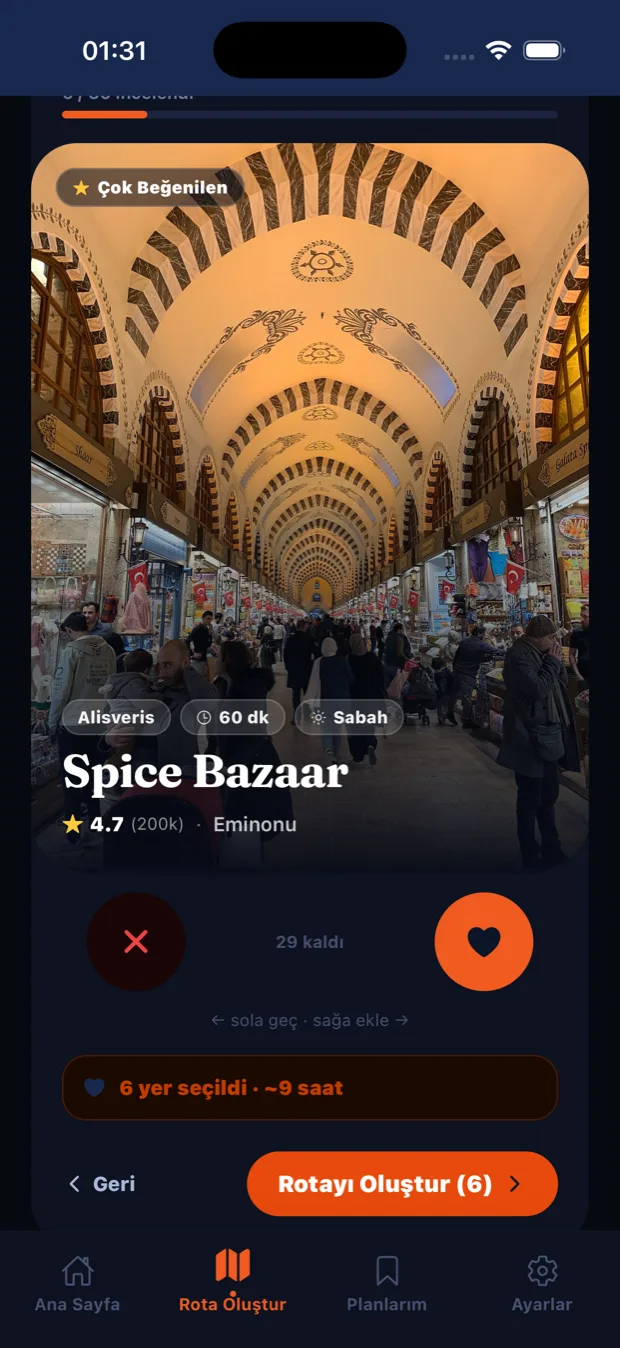
Swipe to pick places and let the plan do the rest: evenly divided across days, with timings that actually hold, and a lunch break included.
The problem
When you plan a multi-day trip, most tools spread the places unevenly across the days — cramming 20 stops into one day until the timings mean nothing, ignoring lunch, and not counting the distances back.
The solution
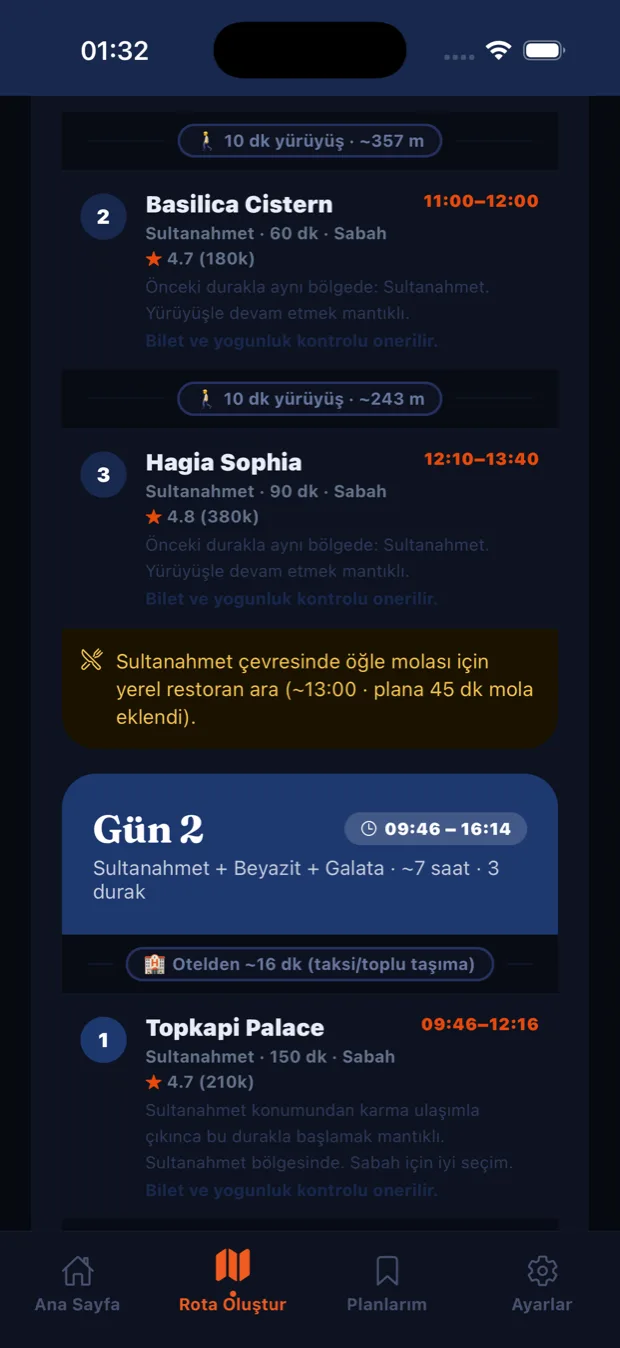
A planner built on nearest-neighbour route optimisation that distributes days evenly: an equal share per day plus at most one extra stop, a morning-to-evening order, an automatic 45-minute lunch break at 12:30, and an evening cut-off based on your preferred pace. The accommodation step has real-time location validation and live suggestions (Google Maps style, debounced).
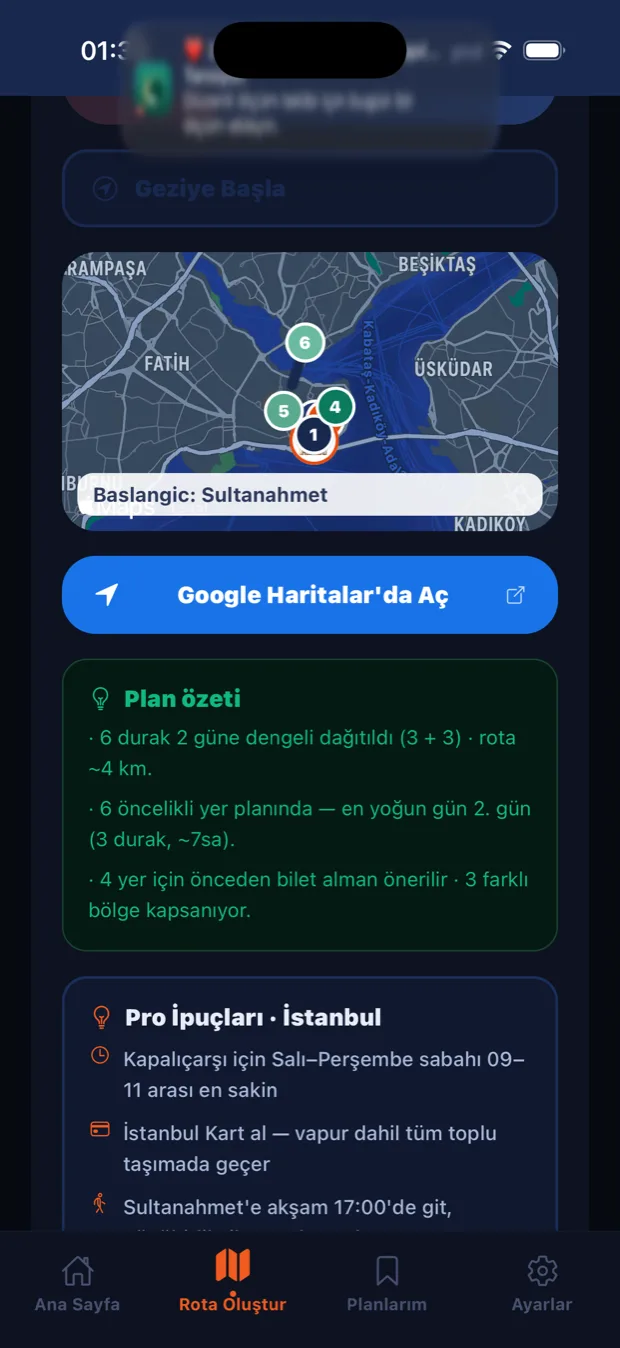
When the plan is done, the screen holds more than a list — it also holds the reasoning: how many stops were split across how many days, which day is busiest, and which places need tickets bought in advance. A planner's real job is not ordering places but answering the question "will this actually fit?"
Technology
A detail worth highlighting
In the first version, real place names such as "Karaköy Güllüoğlu" came back empty from search. I diagnosed the root cause live in the simulator: Apple's CLGeocoder only resolves full street addresses and almost always failed on POI (business or venue) names — the reason behind "it just does not work" was not a bug in the code but the wrong geocoding service. The fix was moving search to OpenStreetMap Nominatim and pinning it to the city's bounds.
Screens

Let's talk about a similar problem
If you have a product idea involving location, maps or optimisation, an email is enough.