Project
Dodge Arena — an attempt to finish a game loop from start to end
You dodge balls in a shrinking arena. The real point is not the game itself: it is carrying a game loop all the way from the first frame to the store screenshot.
The problem
You can leave an app half-finished — a missing screen stays out of sight and nobody notices. You cannot do that with a game: unless the frame loop, collision, difficulty curve, score, death, restart and menu all work, there is nothing to play at all. That is why I picked a game to test the verb "to finish".
The second question was more technical: without an off-the-shelf game engine, can you build a smooth game loop using only React Native's own drawing and animation tools?
The solution
No engine: every ball and the player are ordinary views whose position is updated each frame. The loop runs on requestAnimationFrame and gets two things right — it scales movement by elapsed time (on a slow device the game does not slow down, the steps simply get bigger) and caps that scale, so when the app returns from the background the balls do not teleport through walls.
Collision is measured by the centre distance of a circle kept deliberately smaller than the drawn box: from the player's point of view, the feeling of "that was close" matters more than whether the maths says you were clear. The same measurement does a second job — every ball that passes within a certain distance raises the score and fills the slow-motion meter. In other words, the game's reward system rewards nearly getting hit rather than staying away.
Difficulty rises along four separate axes rather than one multiplier: the level thresholds (linear at first, then an accelerating curve), ball speed, new ball types that unlock as levels progress (a hunter that follows you, one that splits in two, a fast one) and the steadily shrinking arena. All four can be tuned separately, because the difference between "the game got harder" and "the game became tediously impossible" lies in the ratio between these settings.
Technology
A detail worth highlighting
The control scheme is a small but decisive decision: wherever you put your finger, the character does not teleport there — it moves by the difference your finger travels from the moment you touch. That way your finger never covers the character, and in a narrow arena blocking your own view means death. The same movement is also clamped to the arena's current (shrunken) bounds.
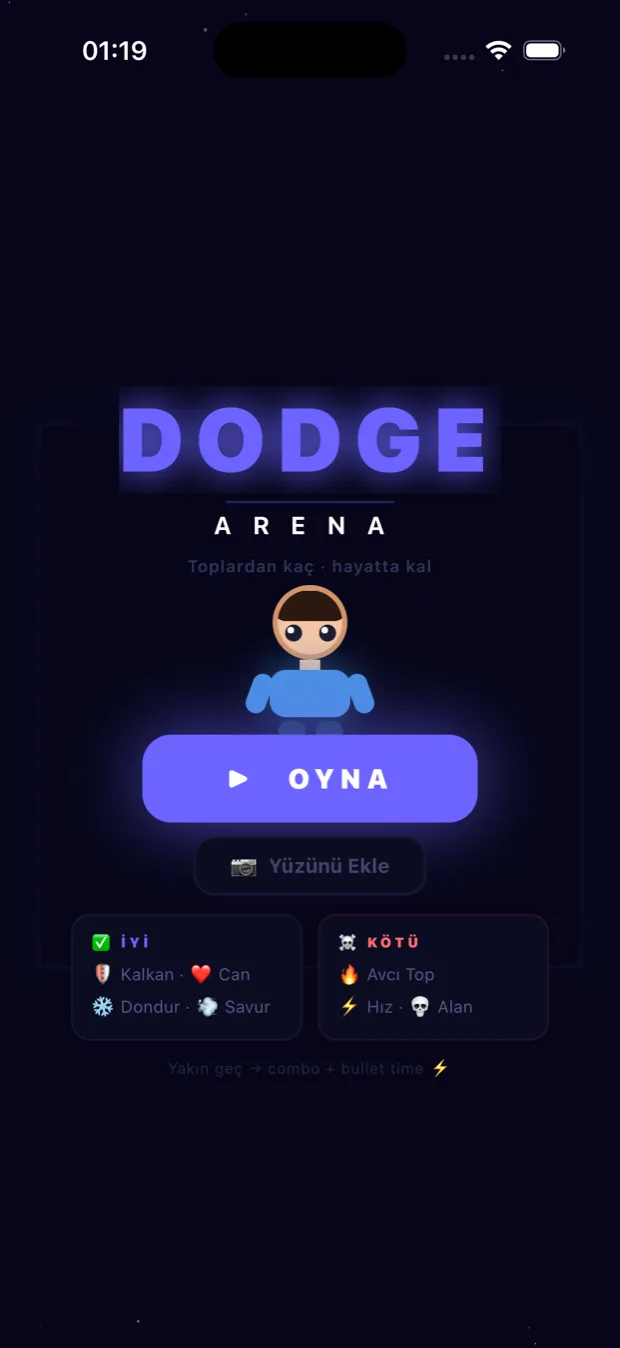
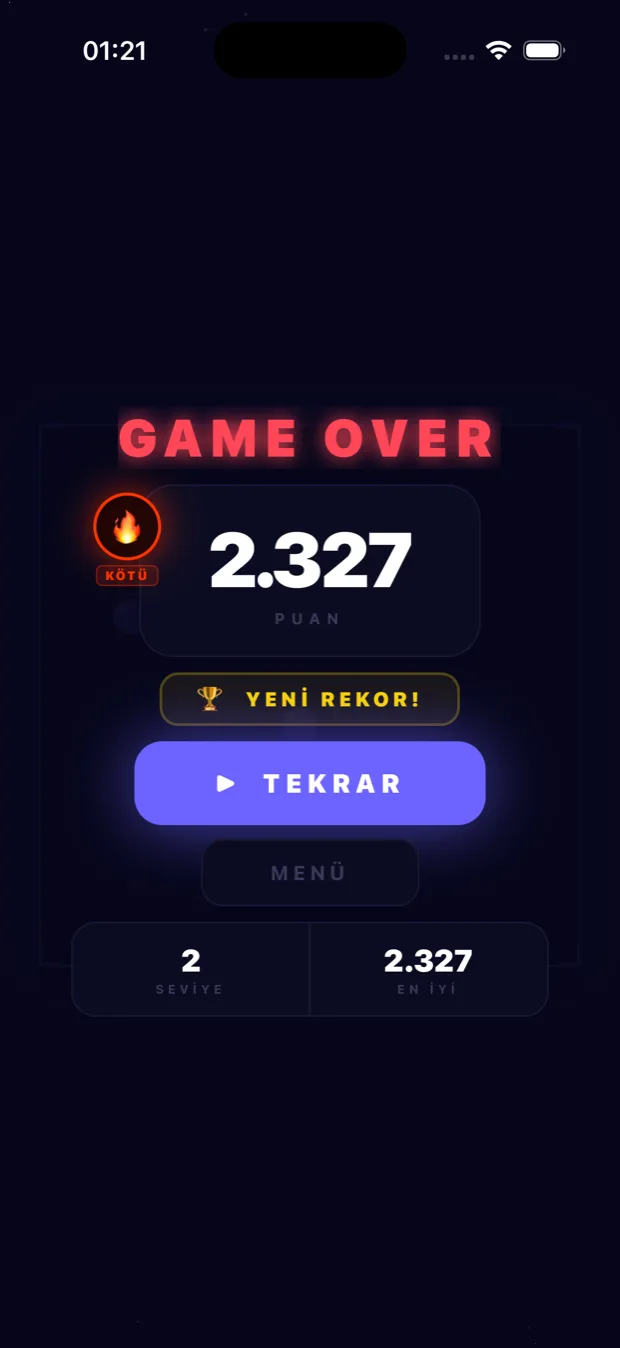
Screens
Let's talk about a similar problem
Carrying a half-finished product to the end, or standing something up from scratch — whichever it is, write to me and let's talk.